
The Busy Creator Podcast episode 9, Evernote for contact management with guest Bob Stanke
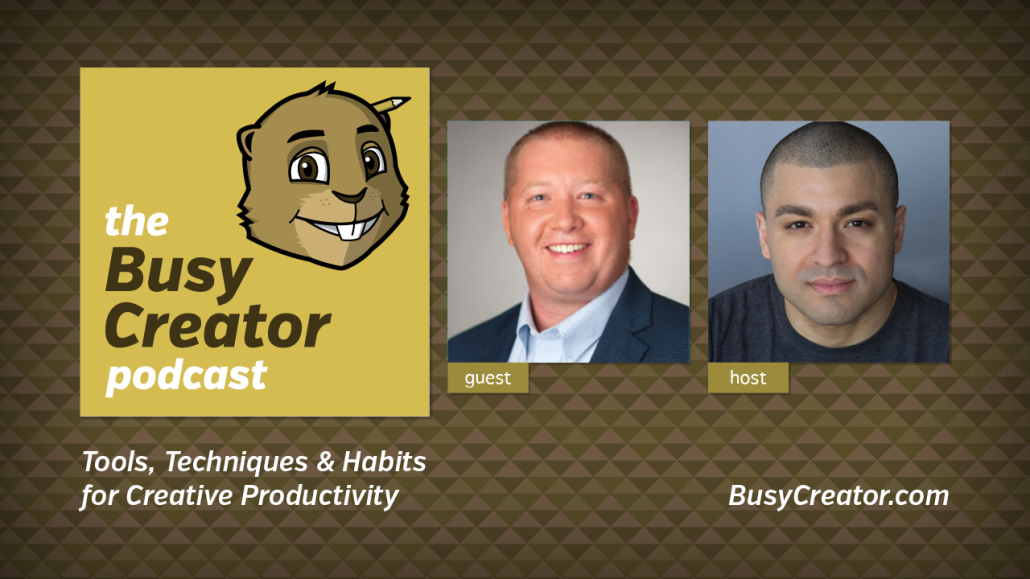
Bob Stanke (@BobStanke) is the Director of Digital Media for the Minnesota Timberwolves. Over the years, he’s become an expert in Evernote, and has created several workflows he uses everyday to manage his bookmarks and other important information. In this episode, he shares with Prescott how he designed a system to use Evernote for contact management, including how that translates to use on mobile devices and how to create searchable data for future use.
Show Notes & Links
- Google+ Podcasters Community
- Evernote manages every aspect of Bob’s Life
- Minnesota Timberwolves
- BobStanke.com, media consulting on the side
- Bob’s original blog post, Evernote as a Contact Management
- Evernote is a blank slate
- Bob likes to gather as much info as possible (name, address, birthday, spouse’s name, etc.)
- Evernote beats Outlook/Contacts because it’s on all devices. It’s a central location.
- Evernote lacked a reminder system, a way to create automated events. It’s now included.
- No automation, unfortunately (ex. Thank-you emails)
- It’s not a perfect system. Bob would love to develop his own.
- Lifehacker
- Evernote for sharing between teams/households
- Bob’s podcasts: Minnesota Tech News Daily, The Springpad Podcast
- Another blog post, How to Manage Web Bookmarks in Evernote
- Bob like animated GIFs (who doesn’t?)
- Bob uses Google+ for photo management; Google Drive for documents
- How I Use Evernote and Google Drive Together
Tools
- Evernote, of course
- Google+ (+Bob Stanke, +Prescott Perez-Fox, +The Busy Creator)
- Outlook
- Apple Address Book/Contacts
- IFTTT (If This Than That)
- Zapier
- Basecamp and Podio, project mgmt tools
- Samsung Galaxy Note 3
- Microsoft Access
- Evernote Business Account, for sharing with employees, contractors, virtual assistants
- FollowUpThen.com
- Mailbox for Android (part of Dropbox, actually)
- Kippt
- Cloud.app (on the Mac)
- Google Drive
- Carousel by Dropbox, for photo management
Techniques
- Use pre-defined notes
- Build your own workflow, if you have a complex, custom need
- Set up an email-into system to create Notes on the fly
- Make custom fields (ex. Pet) as you need them
- Use a #Hashtag in a Note to create fast-search capabilities
- Integrate Evernote with Android phones to make calls quickly
- Use Evernote to create podcast show notes
- Use FollowUpThen for job-hunting, get better responses
Habits
- Record notes about people after meeting them
- Use FollowUpThen to stay in touch with people, especially after meeting
- Add metadata to a bookmark when adding to Evernote
Get The Episode
- Download The Busy Creator Podcast, episode 9 (MP3, 29:57, 29.2 MB)
- Download The Busy Creator Podcast, episode 9 (OGG, 29:57, 30 MB)

Subscribe to The Busy Creator Podcast on iTunes
How do you use Evernote? For contact of bookmarks management? Leave a comment below to participate in the conversation.

- Friday Links, vol. 16 - 2015.09.25
- Prepare with Purpose for OS X 10.11 El Capitan - 2015.09.24
- Friday Links, vol. 15 - 2015.09.18